The older person
Use a familiar device button with minimal reliance on a phone. Add accessible mobile or voice interactions where they serve a defined need.
Build a companion app around your care hardware. Connect families and service teams through verified device setup, clear device status and care events with an accountable outcome.
Connected hardware needs a service experience that lasts.
China had 323.38 million people aged 60 and over at the end of 2025, representing 23.0% of its population. Home, community and residential care create different contexts for connected devices. Hardware capabilities, household conditions and available service teams determine the right product scope.
National Bureau of Statistics · 2025 bulletinUse a familiar device button with minimal reliance on a phone. Add accessible mobile or voice interactions where they serve a defined need.
Connect a relative and their devices, check data freshness and understand who is handling an event.
Verify setup, handle assigned events and record contact outcomes. Keep equipment maintenance separate from care follow-up.
Four established approaches to connected care.
Compare hardware compatibility, service coverage, access rights and ongoing costs before selecting a product.
Read the sourceChoose the original app and service when a standard device and household workflow already meet the need.
Reuse an appropriate commercial SDK or manufacturer API for compatible hardware, then build the brand experience around it.
Invest in custom software when your devices, household permissions and service handoffs have clear requirements of their own.
Make device availability and care progress equally clear.
Online, offline and low battery describe equipment. New, in progress, follow-up required and completed describe a care event. Keeping both visible helps families understand coverage and responsibility without interpreting a missing reading as reassurance.
Households & relatives · Devices · Care events · Access
Installation checks · Assigned households · Follow-up · Maintenance
Identity & consent · Device adapters · Event state · Notifications & audit
Buttons, sensors and wearables, with model-specific protocols and permissions
A native app is useful where Bluetooth setup, system notifications and an ongoing brand relationship matter. A lighter web or mini-program experience may suit viewing and service updates. Select the channel against the device protocol and user task.
Preserve the device, event identifier and source time before assigning responsibility.
Binding establishes a relationship. A passed connection and event test establishes readiness. Show failures with a retry path, and reject devices already assigned to another household.
Check identity & ownership
Trigger and confirm a test event
Record the passed test & version
Use rules for the workflow. Evaluate AI for the paperwork.
Use explicit states, required outcomes and delivery records. Agree the alert rules and staffing responsibilities so the core workflow operates independently.
Draft a summary from authorized, confirmed events with references and missing information. A responsible person reviews it before saving. Fall back to a manual template on failure.
AI does not diagnose, confirm a person's safety, close an event or dispatch emergency help. Evaluate summaries against a human baseline for unsupported statements, omissions, editing effort, latency and cost.
Obtain samples and the relevant protocol or SDK license. Confirm field meanings, units, clocks and firmware versions for each supported model.
Preserve device and receipt times, deduplicate by event ID and check the current version before a claim. Track sending, delivery and acceptance separately.
Scope access by tenant, household and role. Confirm the purpose and legal basis for sensitive data, obtain applicable consent and enforce withdrawal.
Test buffering, failed delivery queues, logs and restoration. Hardware partners own device safety and firmware; software status cannot replace a staffed response.
Adapt the service model to the operating environment.
Start with one licensed model and connect setup verification, family accounts and support.
Configure ownership and handoffs around actual staff coverage and contracted availability.
Give assigned teams access to authorized households while retaining the existing care management system.
Track device tests, versions and acceptance records. Define response services separately for each programme.
Keep support connected to the device, household and service history.
Review ownership, contact attempts, assignments and closure in one consistent record.
Assess activation, availability, completed follow-ups and cost per household before expanding.
Include app and cloud development, adapters, SDK licensing, messaging, installation, training, staffing and maintenance in the investment case. Validate service subscriptions with users; device volume alone does not establish software revenue.
Review a sample device, protocol, licensed data and service rules. Test what arrives and what happens when connectivity fails.
Deliver household access, verified binding, event handling, maintenance and record export for one model.
Exercise offline replay, duplicate events, unsuccessful contact, competing claims, revoked access and delivery failures.
Add device models, service entitlements and validated summaries as the compatibility list, operating responsibilities and costs evolve.
The software scope can include the app, service workspace, adapters, deployment guidance, compatibility list and acceptance records. Customers and partners supply hardware, firmware, certification and service staff. Scope, fees and timing follow the integration assessment.
We can assess buttons, door sensors, bedside sensors, wearables and other devices with authorized interfaces. Support depends on the model, firmware, protocol, license and sample testing.
Delivery depends on power, connectivity, operating-system permissions and channel conditions. A project needs visible delivery states, failure handling and appropriate backup routes, tested with the service operator.
Not necessarily. The device may provide their main interaction while relatives use the app. Add an older-person interface where the device, authorization process and accessibility requirements call for it.
The first release uses rules and human confirmation. Optional summaries organize referenced records; they do not replace clinical assessment, human verification or emergency services.
It demonstrates product interactions using fictional people and simulated devices and notifications. Production delivery requires real device access, authorization, server-side permissions, delivery channels and operational testing.
Device models, protocol or SDK documentation, sample hardware, authorized event examples, target users, staff responsibilities, deployment regions and existing systems.
Bring your device models, interface documentation and the family tasks you want to support. We will define the access conditions, product experience and operating responsibilities together.
Related solutions
AI, capital-markets docs, OCR, vision, IoT and membership operations — composable for your industry.
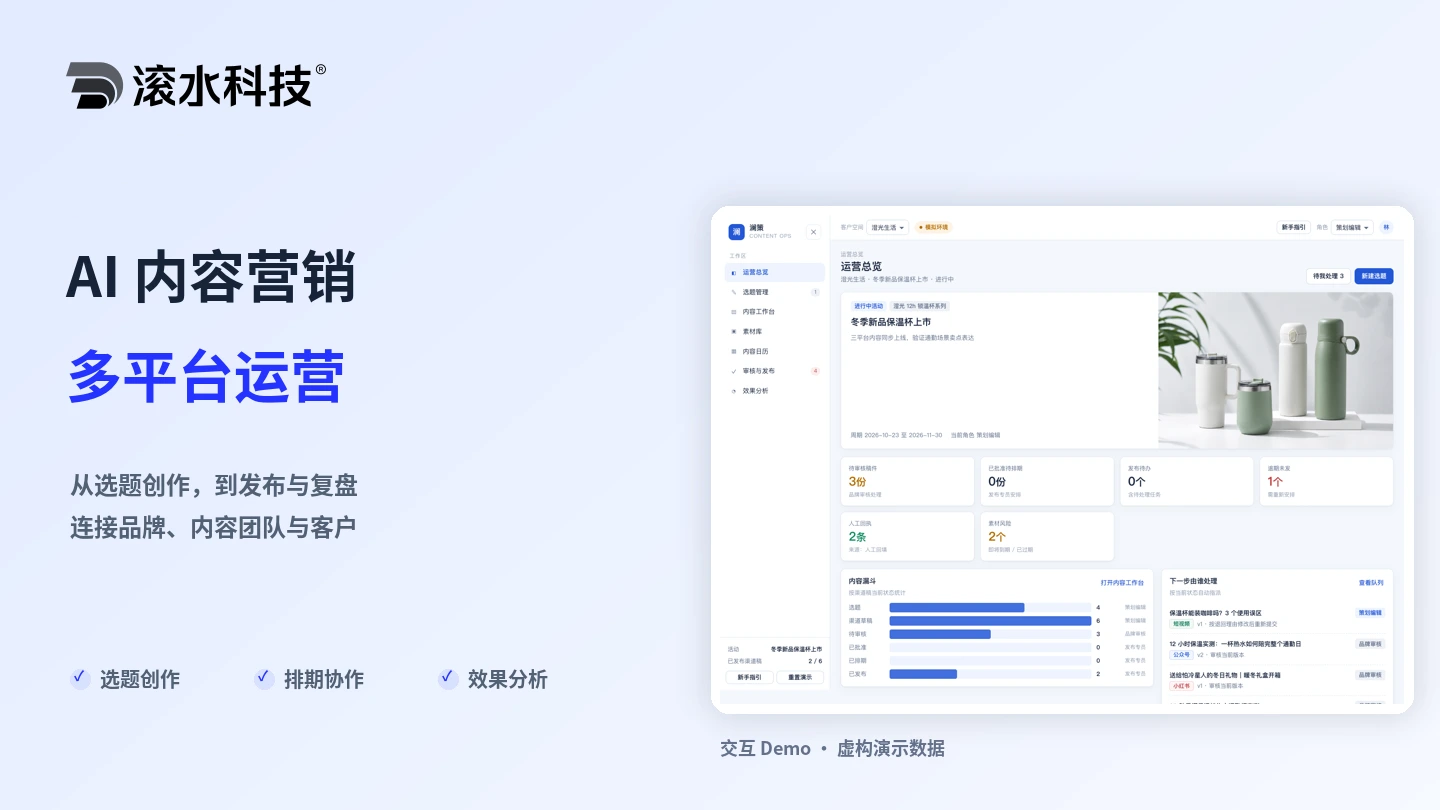
Connect editorial planning, AI-assisted drafts, licensed assets, approvals, publishing schedules and performance review for brands and agencies.
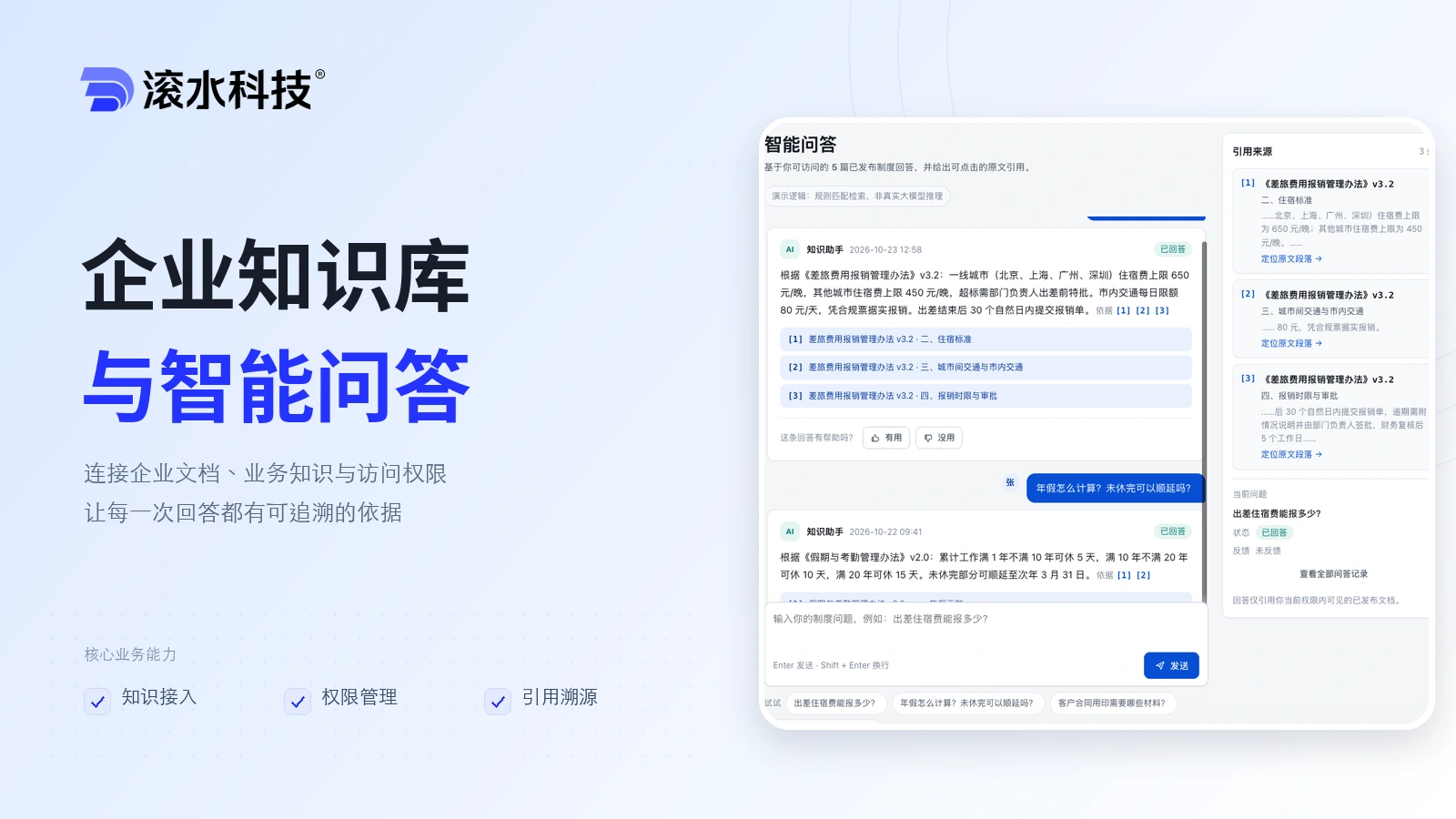
Connect enterprise documents and business knowledge with source citations and access controls. Start with a model API, or deploy processing, retrieval, and inference on an appliance for fully internal use.
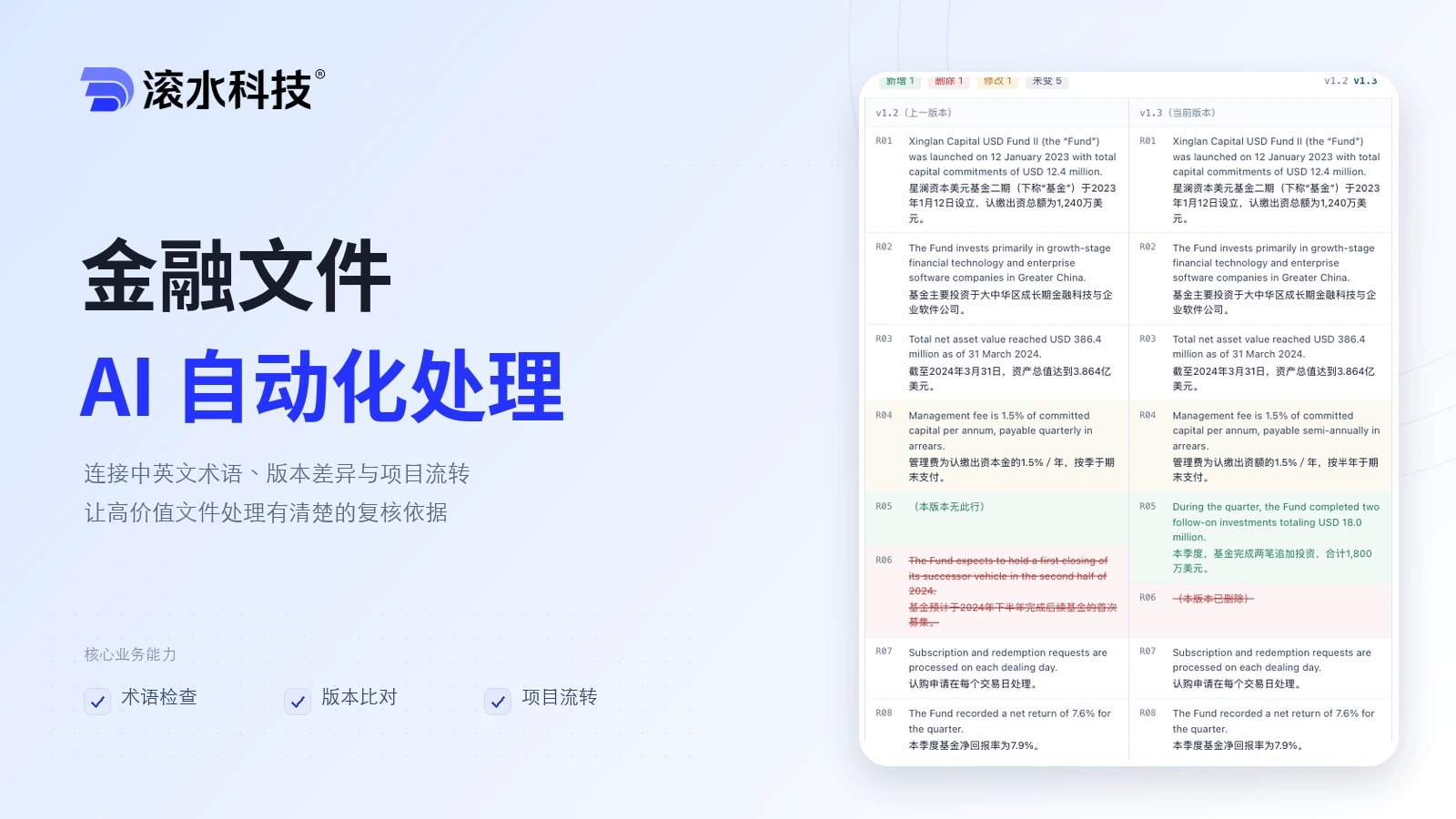
Connect terminology checks, version comparisons, human review and project handoffs for bilingual financial documents, with traceable decisions and review records.