Wavesteam
HomeCasesSolutionsKnowledge & InsightsAbout
中EN
Wavesteam

Exhibition discovery

Visit planning

Exhibition discovery

Visit planning

Editorial updates

Editorial updates

Exhibition Discovery & Visit Planning

Connect exhibition listings, personal visit plans and editorial updates so audiences can plan a visit with the right information.

Try the interactive demoIndustry report (Chinese)
WHO IT SERVES

Cultural publishers, arts organisations and city guides maintaining listings across multiple venues.

Turn exhibition discovery into a visit people can plan.

An editorial feature creates interest. Planning a visit takes dates, a venue, opening hours and booking instructions. Connect those facts to searchable listings and personal plans so the service remains useful after the article has been read.

THE CONNECTED WORKFLOW

One exhibition record. Two connected experiences.

  1. 01

    Maintain the listing

    Editors organise dates, venue details, opening information and booking instructions, with draft and published states.

  2. 02

    Plan a visit

    Visitors filter by city, date, theme and ticket conditions, then keep an exhibition for later or add it to their plans.

  3. 03

    Review interest

    The editorial workspace brings publication states, bookmark counts and plan counts together to inform content maintenance.

TWO KINDS OF INTENT

A bookmark and a visit plan answer different questions.

Keep for later

Help visitors find an exhibition again without requiring a date commitment.

Question: What interests me?

Plan a visit

Keep the exhibition’s dates, location and booking instructions available when planning the visit.

Question: What do I intend to visit?

Both are expressions of intent. Confirmed attendance requires separate ticketing or check-in records.

HOW IT WORKS

Make discovery selective and planning specific.

Business relationships
01Editorial record
02Published listing
03Bookmarks / visit plans

Opening hours and booking instructions support planning. Closure alerts and date-conflict checks require additional calendar and notification rules.

01Filter on useful facts
Use structured city, date, venue and ticket fields to help visitors narrow their options. Editorial and audience views should refer to the same listing.
02Separate interest from intention
A bookmark means “keep this”; a plan means “I intend to go”. Preserve that distinction without presenting either count as confirmed attendance.
03Give updates an owner
The demo includes draft, publish, pause and edit controls. A production workflow also needs clear responsibility for changes to dates, venues and booking information.
EXPLORE THE WORKING DEMO

Explore the connection between discovery and publishing.

The existing demo includes city, date, theme and ticket filters, a personal visit area and an editorial workspace with publication states. Its edit form includes opening hours and booking instructions. Account synchronisation, external feeds and change notifications require project-specific implementation.

Explore the demo
A PRACTICAL BUILD DECISION

Choose the publishing and visitor experience you need.

Choose a route to highlight its conditions. All three remain available to compare.

01

Established cultural services

For institutional guides, audio and video content, and audience access, evaluate services such as Bloomberg Connects and Smartify against your content and regional requirements.

02

Extend your current website

If your publishing workflow works well and visitors mainly need filters, structure listing fields within the existing site first.

03

Commission a dedicated service

Consider a custom build when multi-venue publishing rules, personal plans, identity and operational data need a structure existing tools cannot provide.

FIRST RELEASE

Start with a collection of exhibitions in one city.

A first release can connect listing maintenance, search, bookmarks and plans. Assess ticket transactions, notifications, external feeds and migration separately. Agree content rights and update responsibilities before importing records.

Acceptance scenarios

  1. 01

    Publication states

    Check required fields, published visibility and how pausing a listing affects search and saved plans.

  2. 02

    Changed information

    Change dates, a venue or booking instructions and check consistency across the detail view, filters and saved references.

  3. 03

    Personal records

    Test account isolation, duplicate saves, removal and persistence after signing in again.

START THE CONVERSATION

Bring authorised listings, your city and theme categories, editorial responsibilities and the action you want visitors to take. These define the first release and its acceptance scenarios.

QUESTIONS & ANSWERS

Before you start

Scope the service around your actual operating responsibilities.

Discuss your workflow with Wavesteam.

Bring authorised listings, your city and theme categories, editorial responsibilities and the action you want visitors to take. These define the first release and its acceptance scenarios.

Contact us

Does this replace a ticketing platform?

The focus is discovery and visit planning. Ticket stock, payments, refunds and admission introduce separate responsibilities; integration depends on platform access, order ownership and settlement.

Can listings update automatically?

An automated feed needs authorised sources, a stable interface, update rules and exception review. Keep an editorial fallback where those conditions are unavailable.

Related solutions

More Wavesteam solutions

AI, capital-markets docs, OCR, vision, IoT and membership operations — composable for your industry.
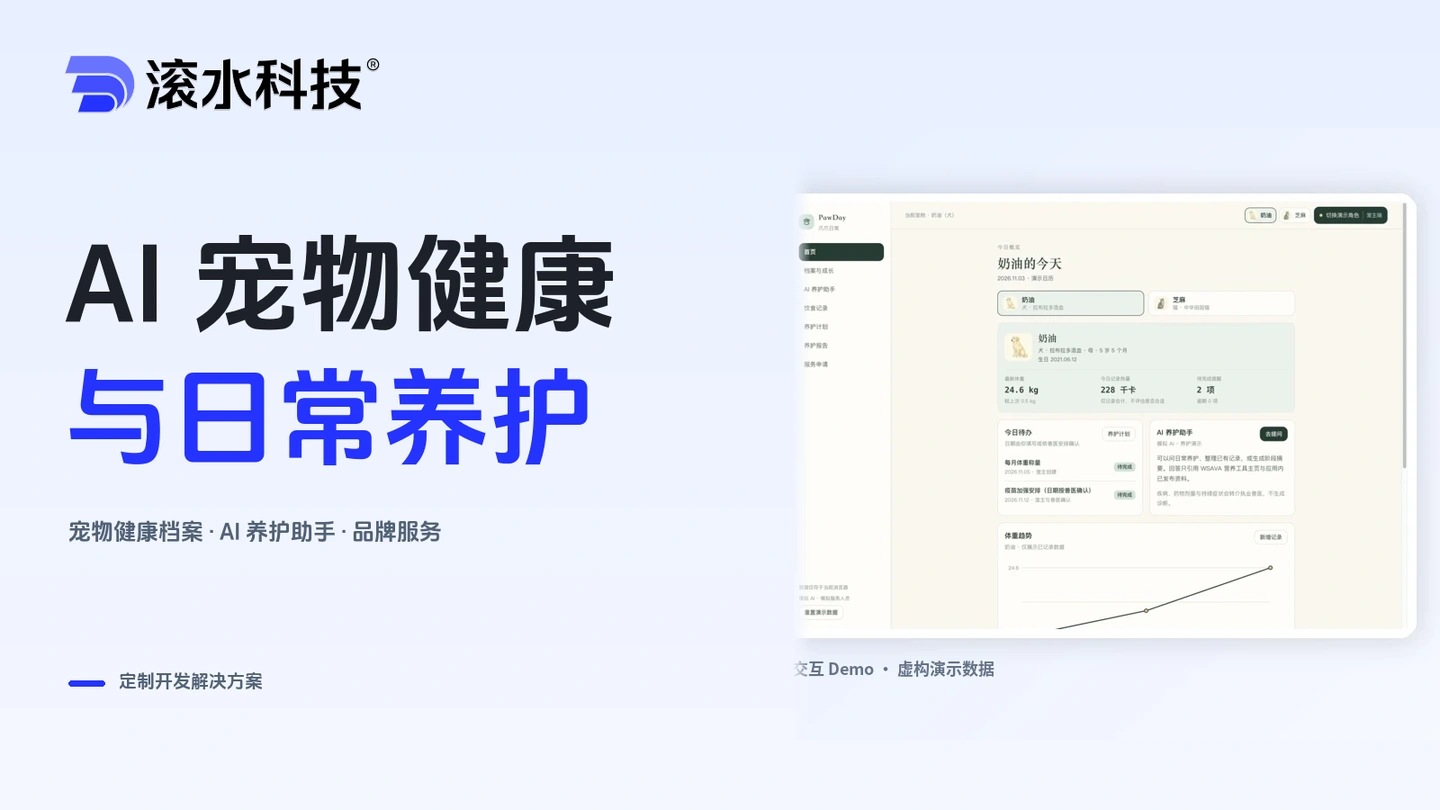
  • AI Pet Wellness

    AI Pet Wellness

    Build a branded care experience around pet records, food logs, source-backed guidance, reminders and service follow-up.
    • Pet records
    • Care guidance
    • Brand services
    Explore solution→
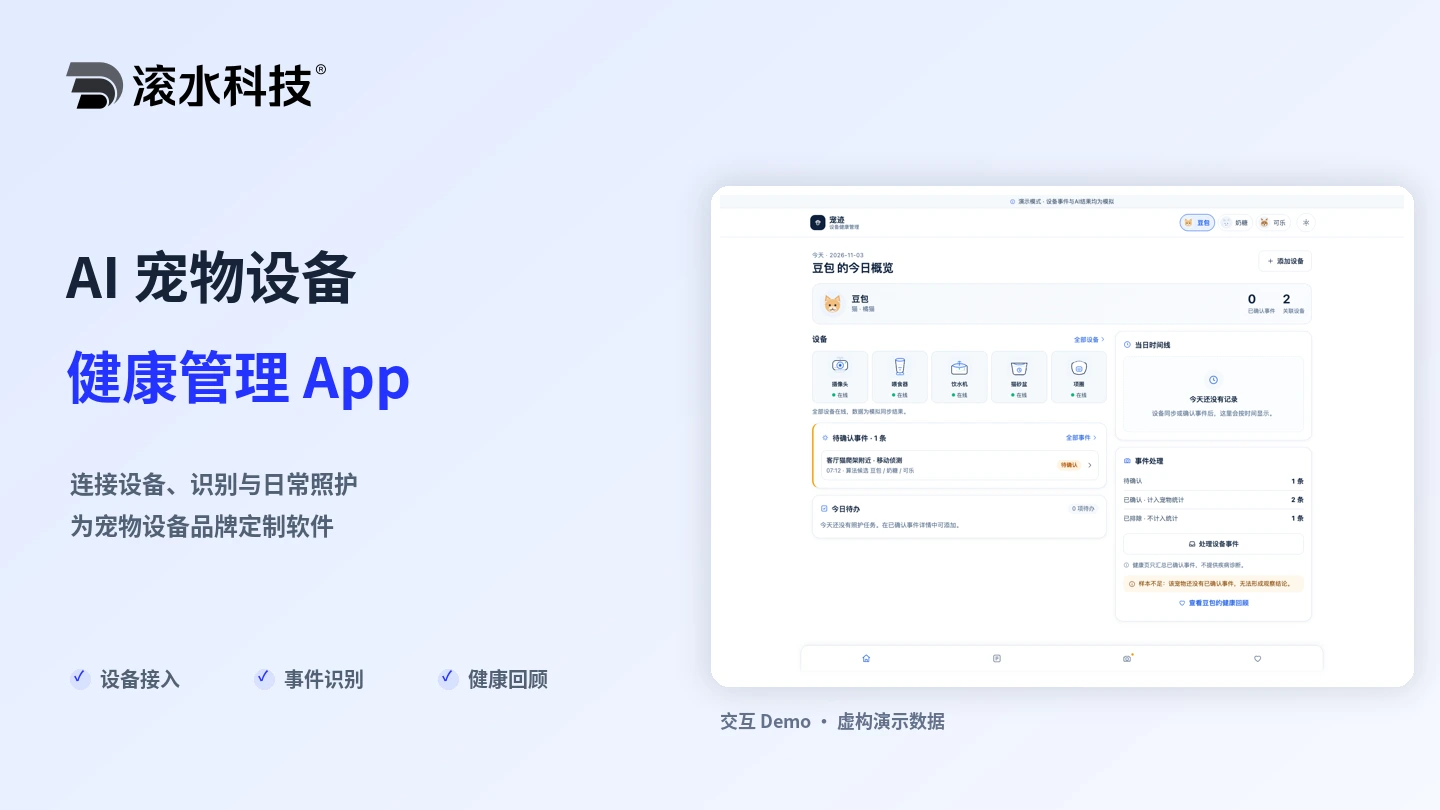
  • Connected Pet Devices & Health App

    Connected Pet Devices & Health App

    Branded companion apps, licensed device integrations and AI experiences for pet hardware brands, connecting daily events, pet histories and care services.
    • Connected Devices
    • AI Recognition
    • Pet Health App
    Explore solution→
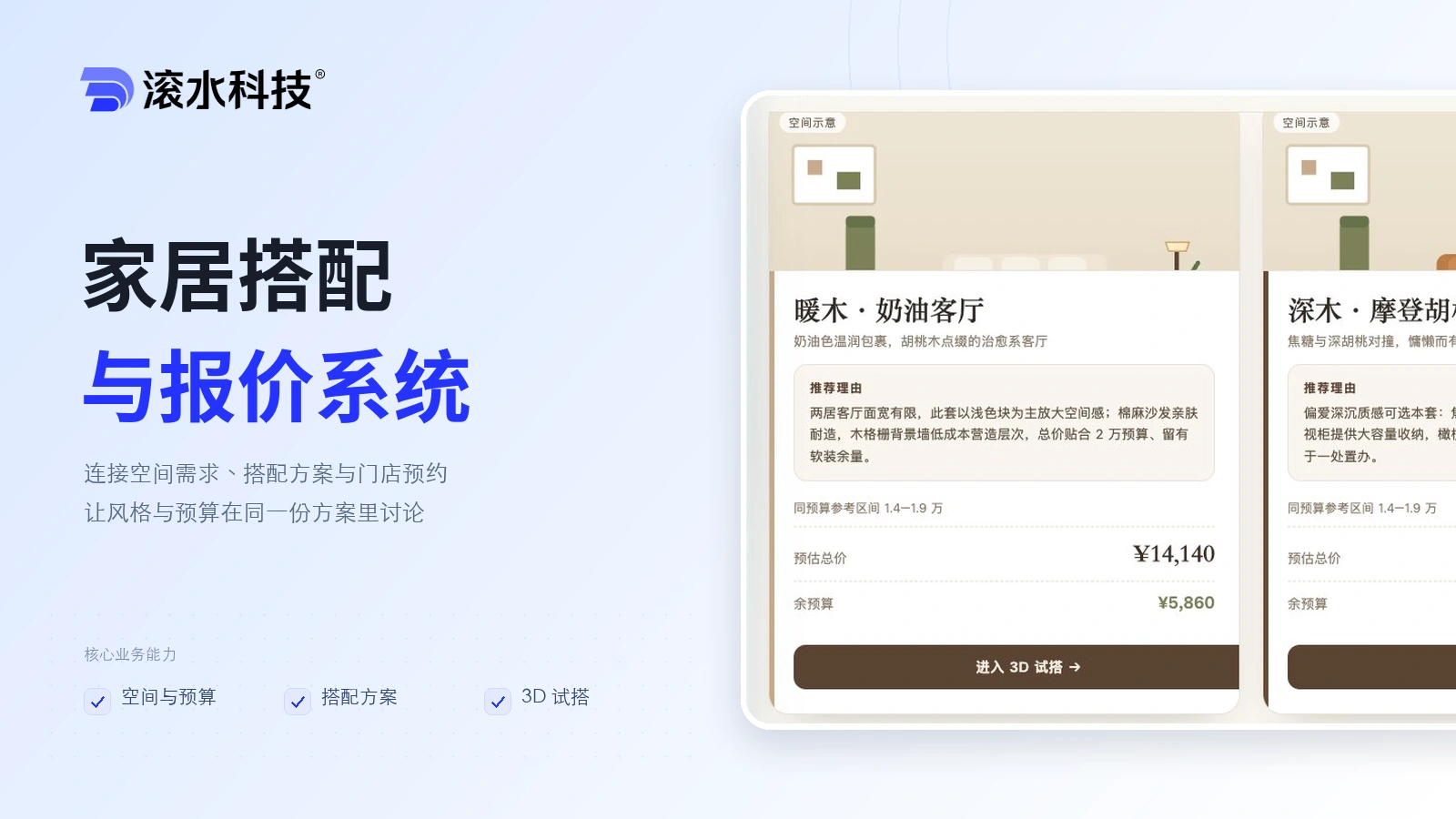
  • Furniture Configuration & Quoting

    Furniture Configuration & Quoting

    Help shoppers move from a room brief and budget to comparable furniture options, a 3D preview and a store appointment.

    • Room brief
    • Style options
    • 3D configuration
    Explore solution→
Wavesteam Technology

Connect exhibition listings, personal visit plans and editorial updates so audiences can plan a visit with the right information.

Contact us
© 2026 Wavesteam Technology. All rights reserved.
Email:contact@boilingwater.cnAddress:10F, South Block, Kingkey Royal Tower, Longgang District, Shenzhen