Wavesteam
HomeCasesSolutionsKnowledge & InsightsAbout
中EN
Wavesteam

Room brief

Style options

Room brief

Style options

3D configuration

3D configuration

Furniture Configuration & Quoting

Help shoppers move from a room brief and budget to comparable furniture options, a 3D preview and a store appointment.

Try the interactive demoIndustry report (Chinese)
WHO IT SERVES

Furniture brands and retailers with a maintainable catalogue and a store team ready to follow up on online configurations.

Keep the chosen design connected to its price.

A shopper chooses a style online, then explains it all again in store. A salesperson receives an image without knowing which products or prices it represents. Connect the room brief, product options, itemised quote and appointment so the conversation can continue from a saved proposal.

THE CONNECTED WORKFLOW

From a room brief to a sales conversation.

  1. 01

    Set the brief

    Choose a layout, room and budget to establish a shared starting point.

  2. 02

    Compare and configure

    Compare two proposals, change selected colours and styles in a 3D scene, and see the itemised cost change.

  3. 03

    Save and arrange a visit

    Name a proposal and carry its options, budget and total into the store appointment summary.

CONFIGURATION → PRICE → HANDOFF

A colour change should reach the quote.

A calculation example using the demo’s listed prices. The same configuration needs to reach the saved proposal.

SOFA OPTION

Other items in this example: ¥10,160

Proposal total¥14,140

Remaining from ¥20,000 ¥5,860

Keep options and total in the saved version
HOW IT WORKS

A design needs a product list and an explainable price.

Business relationships
01Room / budget
02Configuration / itemised quote
03Saved proposal / appointment

The 3D scene communicates configuration choices. Site measurements, material samples, installation conditions and final pricing need their own confirmation process.

01Tie each visual option to a product
The scene and quote should use the same configuration. Agree ownership of SKUs, model assets and materials so a visual change cannot leave the quote behind.
02Make the price difference visible
In the demo, changing the sofa option from 3,980 to 4,360 changes the total by 380. This demonstrates the calculation relationship; discounts, taxes, delivery and installation need explicit production rules.
03Hand over a saved version
The appointment view includes the saved configuration. Define how later price changes, unavailable items and revised selections affect that version and the final approved quote.
EXPLORE THE WORKING DEMO

Follow a configuration into an appointment summary.

The demo supports room and budget selection, alternative proposals, a rotatable scene, sofa and table options, a changing quote and named proposal saving. The appointment summary retains the chosen options and total. Booking is a local simulation; stock, store capacity and order systems are separate integrations.

Explore the demo
A PRACTICAL BUILD DECISION

Choose between planning, integration and a custom sales flow.

Choose a route to highlight its conditions. All three remain available to compare.

01

Established planning tools

IKEA connects room and product planning with saved designs and planning services. Try established tools first where their product scope and service journey fit. Threekit instead centres its CPQ workflow on catalogue rules, valid configurations, pricing and quotation handoff. Assess each against product complexity and integration needs.
02

Connect existing systems

If a product catalogue, pricing system and CRM already exist, build the configuration experience around their identifiers and data ownership.

03

Custom configuration and handoff

A dedicated build becomes relevant when combination rules, channel pricing, store routing or version control cannot be represented in available products.

FIRST RELEASE

Prove the workflow with one room and a small catalogue.

Map two room proposals to actual product options, prices and model assets. Start with configuration, an itemised quote and appointment handoff. Assess stock, payments, precise surveying and ERP integration separately, including ongoing catalogue and asset maintenance.

Acceptance scenarios

  1. 01

    Options and totals

    Check each selection against the scene, SKU, unit price, total and budget difference, including unavailable or over-budget choices.

  2. 02

    Saved versions

    Reopen a saved proposal and define what happens when a product is repriced or discontinued.

  3. 03

    Appointment handoff

    Compare the appointment summary with the saved version and test unavailable slots, duplicates and store reassignment.

START THE CONVERSATION

Bring representative products, available models, a real quotation, pricing rules and the store appointment process. Use these to estimate the first working catalogue and later expansion.

QUESTIONS & ANSWERS

Before you start

Scope the service around your actual operating responsibilities.

Discuss your workflow with Wavesteam.

Bring representative products, available models, a real quotation, pricing rules and the store appointment process. Use these to estimate the first working catalogue and later expansion.

Contact us

Can a 3D preview become a construction drawing?

A configuration preview does not establish engineering accuracy. Surveying, collision checks and construction outputs require agreed dimensions, model standards, tolerances and professional review.

Can quotes use our existing prices?

Assess product identifiers, pricing priorities, discounts and interface permissions. Assign authority for the final price before defining synchronisation and exception handling.

Related solutions

More Wavesteam solutions

AI, capital-markets docs, OCR, vision, IoT and membership operations — composable for your industry.

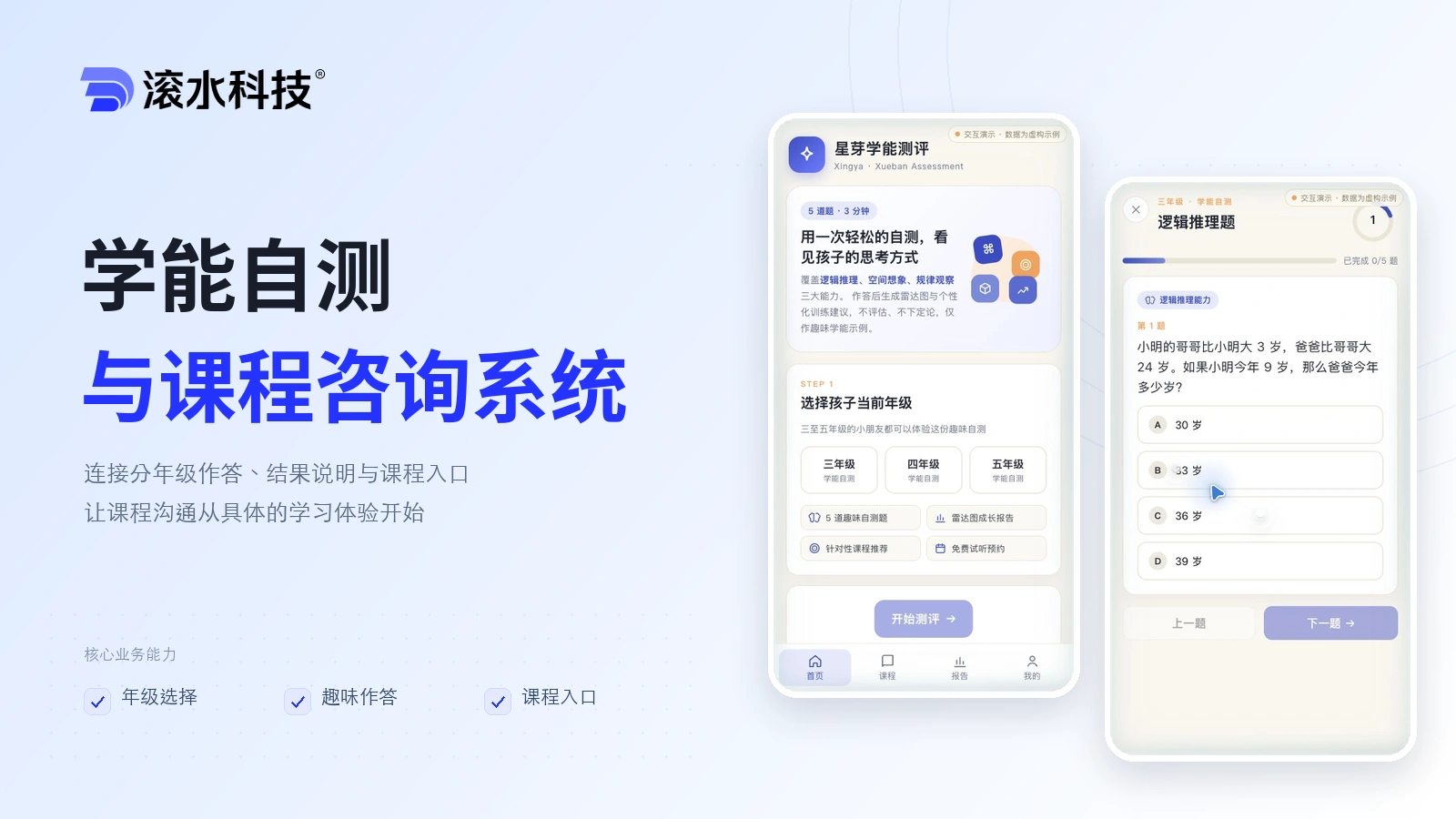
  • Learning Self-assessment & Course Enquiry

    Learning Self-assessment & Course Enquiry

    Give families a structured introduction to your programmes through grade-based activities, clearly explained results and course enquiries.

    • Grade selection
    • Learning activities
    • Course discovery
    Explore solution→
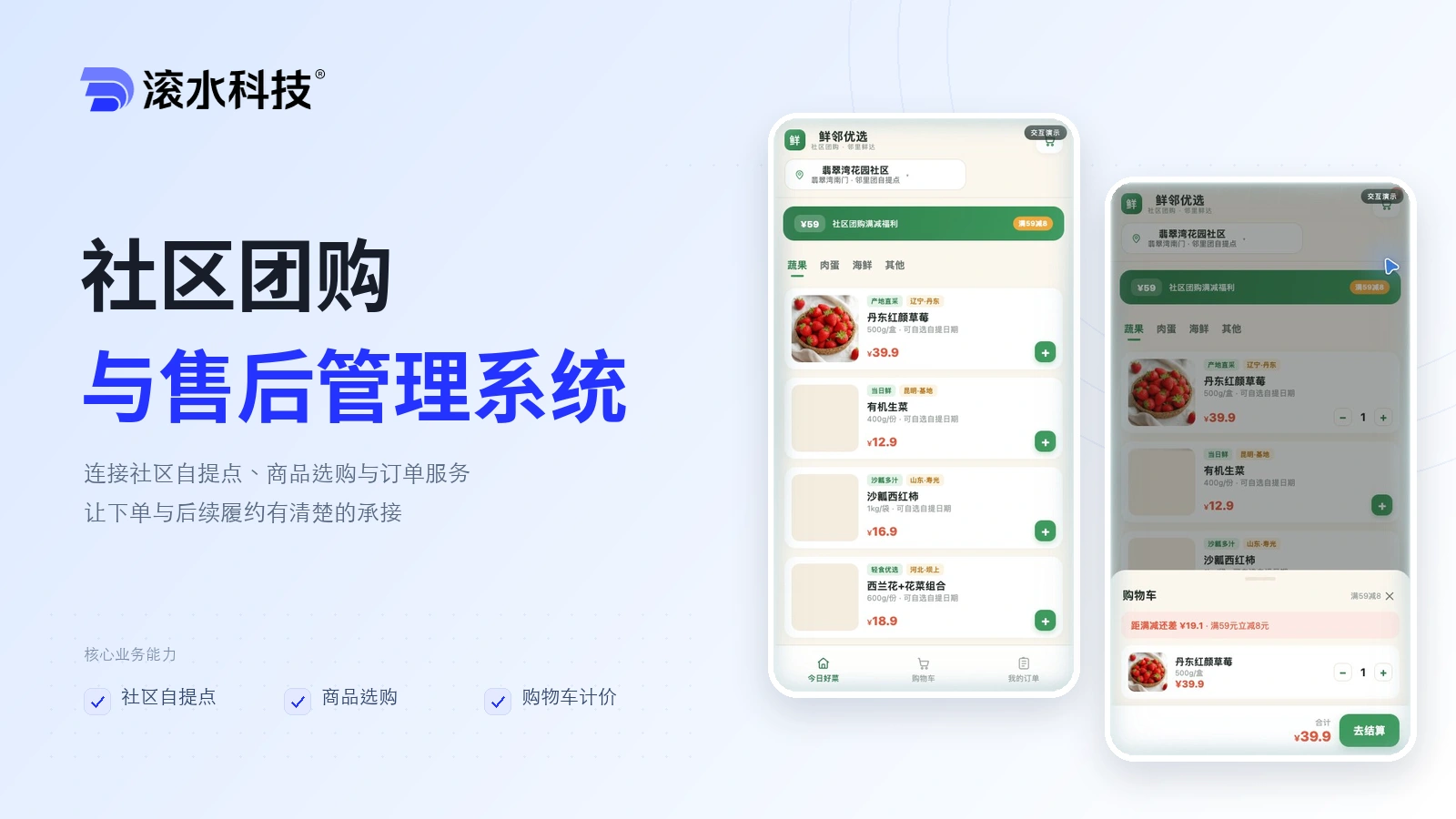
  • Community Grocery Ordering & After-sales

    Community Grocery Ordering & After-sales

    Keep pickup location, product quantities and basket totals together, with an order journey that can be adapted to local fulfilment and after-sales rules.

    • Pickup location
    • Product selection
    • Basket pricing
    Explore solution→
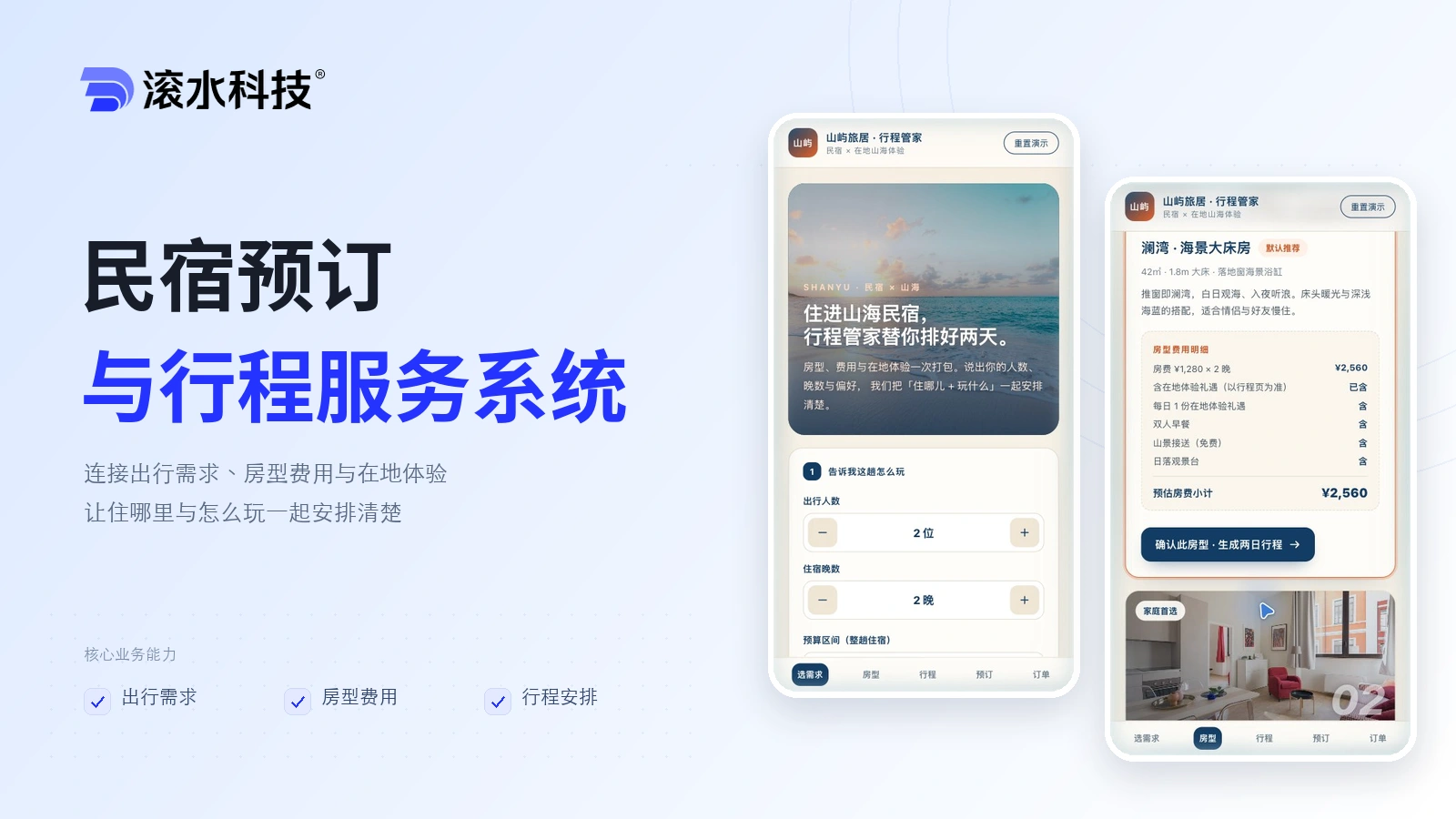
  • Stay Planning & Guest Itineraries

    Stay Planning & Guest Itineraries

    Present room options and costs around party size, length of stay and travel preferences, then connect the stay with local experiences.

    • Travel brief
    • Room options
    • Itinerary planning
    Explore solution→
Wavesteam Technology

Help shoppers move from a room brief and budget to comparable furniture options, a 3D preview and a store appointment.

Contact us
© 2026 Wavesteam Technology. All rights reserved.
Email:contact@boilingwater.cnAddress:10F, South Block, Kingkey Royal Tower, Longgang District, Shenzhen